• Employees configuration
• Booking configuration
• Booking using
• Tickets configuration
• News configuration
• Mail groups configuration
• Main menu configuration
• Company configuration


|
|
Mail Groups Configuration
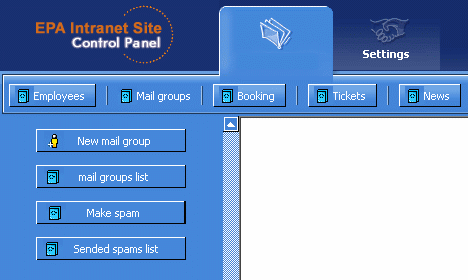
Fig. 1
Main menu for tickets configuration:
- New mail group(Fig.2) - for creating mail group
- Mail groups list(Fig.3) - for listing and viewing/adding/updating mail groups in DB
- Make spam(Fig.4) - for creating and sending new spam
- Sended spam list(Fig.5) - for viewing/updating and resending spams
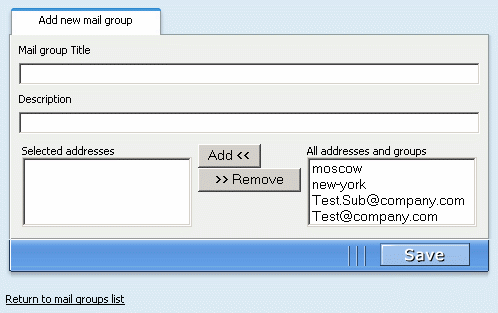
Fig. 2
Adding new mail group or updating existing one. If you want return to mail groups list without save changes you can click to "Return to mail groups list".
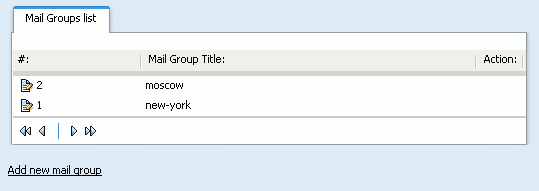
Fig. 3
Mail groups List. You can click to  to enter in edit mode. For adding new mail group you must click to "Add mail group" link, locates in the bottom of list to enter in edit mode. For adding new mail group you must click to "Add mail group" link, locates in the bottom of list
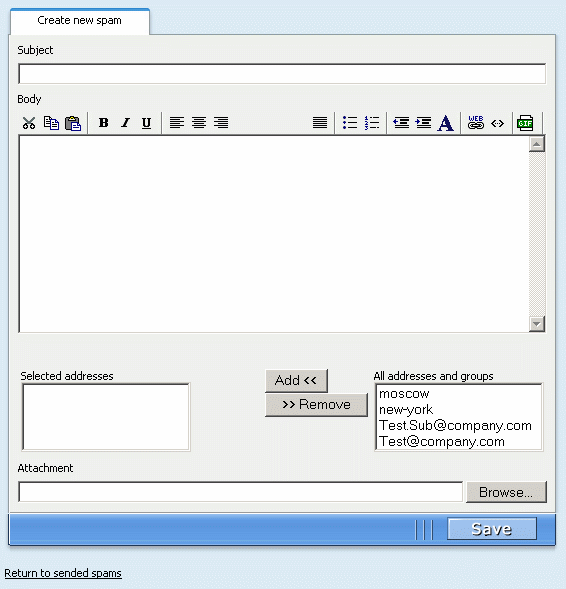
Fig. 4
Creating new spam or resending existing one. If you want return to list of sended spams without save changes you can click to "Return to sended spams".
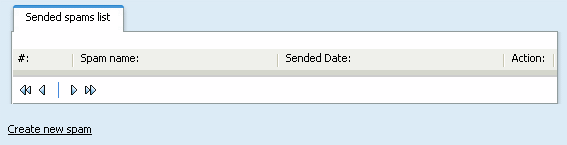
Fig. 5
Sended spams List. You can click to to enter in edit mode. For create new spam you must click to "Create new spam" link, locates in the bottom of list
|