• Employees configuration
• Booking configuration
• Booking using
• Tickets configuration
• News configuration
• Mail groups configuration
• Main menu configuration
• Company configuration


|
|
Company Configuration
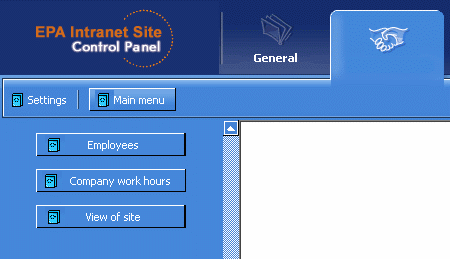
Fig. 1
Company configuration:
- Employees(Fig.2,3) - for select general director of company. It is need to properly display tree of company structure.
- Company work hours(Fig.4,5) - for select working days and hours of company. It is need to properly calculate of tickets redline.
- View of site(Fig.6) - for change header image of all site pages
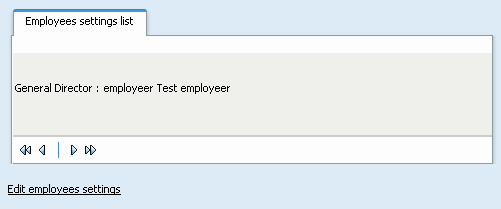
Fig. 2
You can change general director of company by clicking to "Edit employees settings".
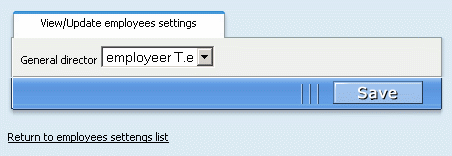
Fig. 3
If you want return to list of employees settings without save changes you can click to "Return to employees settings list".
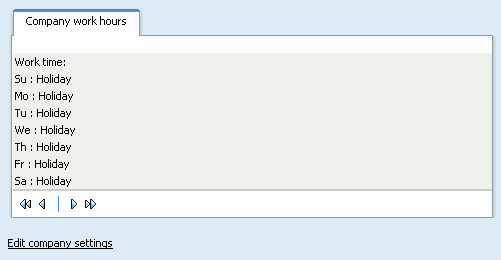
Fig. 4
You can change working days and hours by clicking to "Edit company settings".
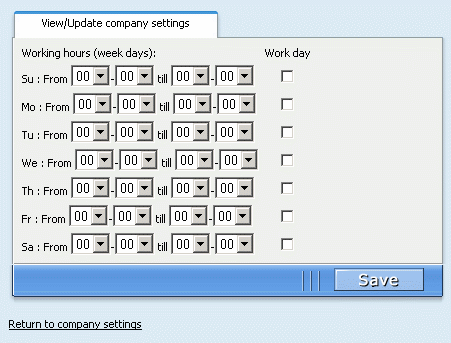
Fig. 5
If you want return to list of company settings without save changes you can click to "Return to company settings".
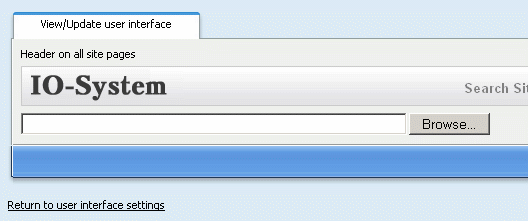
Fig. 6
If you want return to list of user interface settings without save changes you can click to "Return to user interface settings".
|